Your movies. Every screen in the house. Nothing in the cloud.
Point it at a folder, scan the code, send it to the TV.
One app. Three screens.
You install one app, on the computer that holds your videos. The phone and the TV need nothing at all.
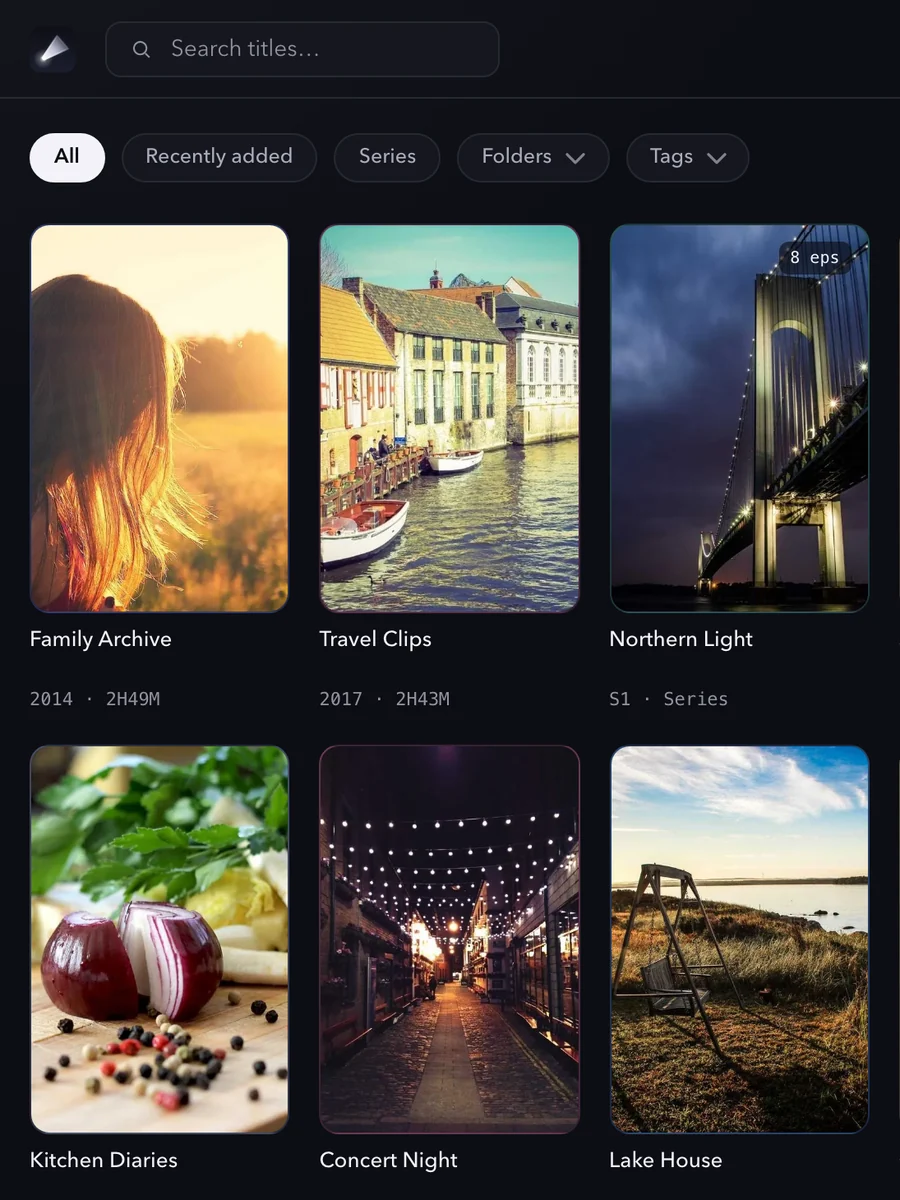
Point at a folder
Drag in the folder where your videos already live. Reelloft scans it and builds a poster wall — series grouped automatically.
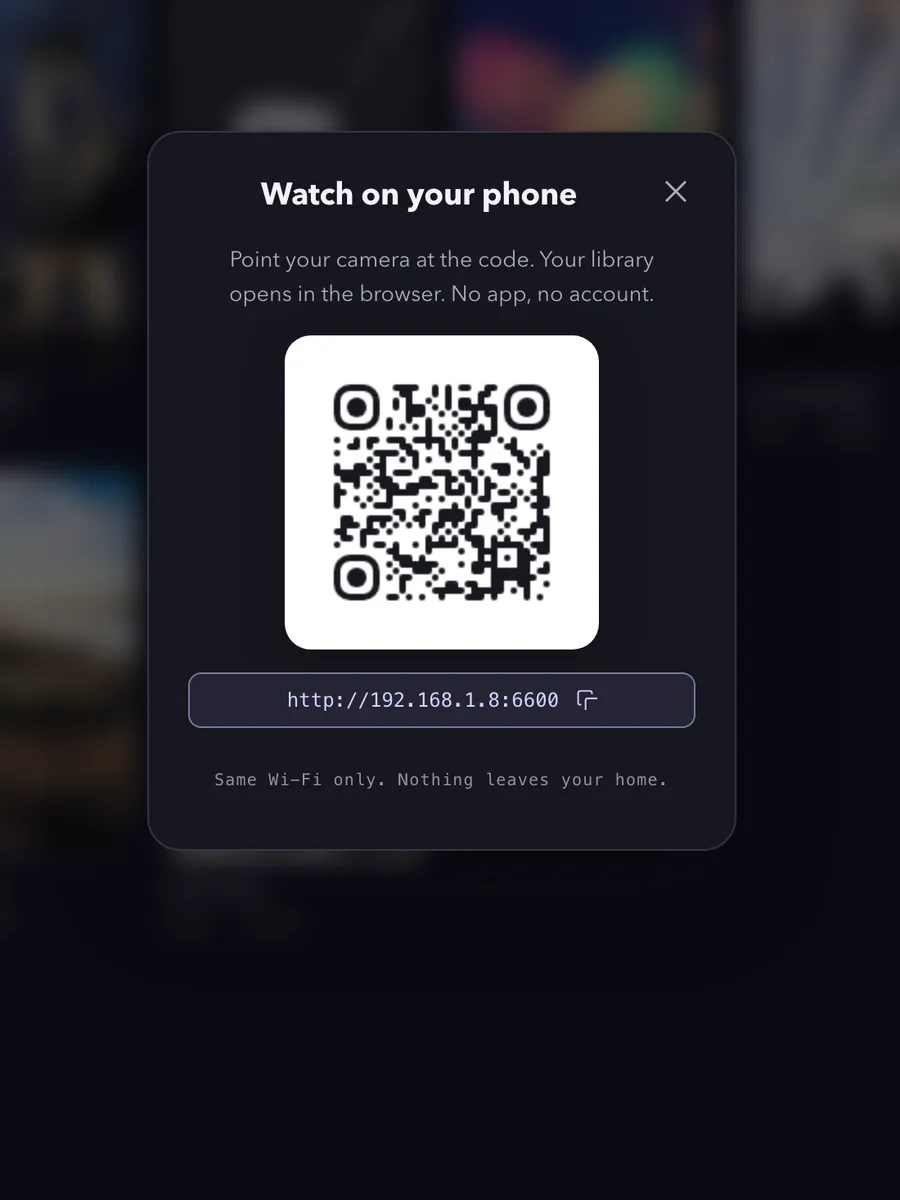
Scan the QR code
Your phone's camera opens your whole library in the browser. Nothing to install on the phone — it's just a web page on your Wi‑Fi.
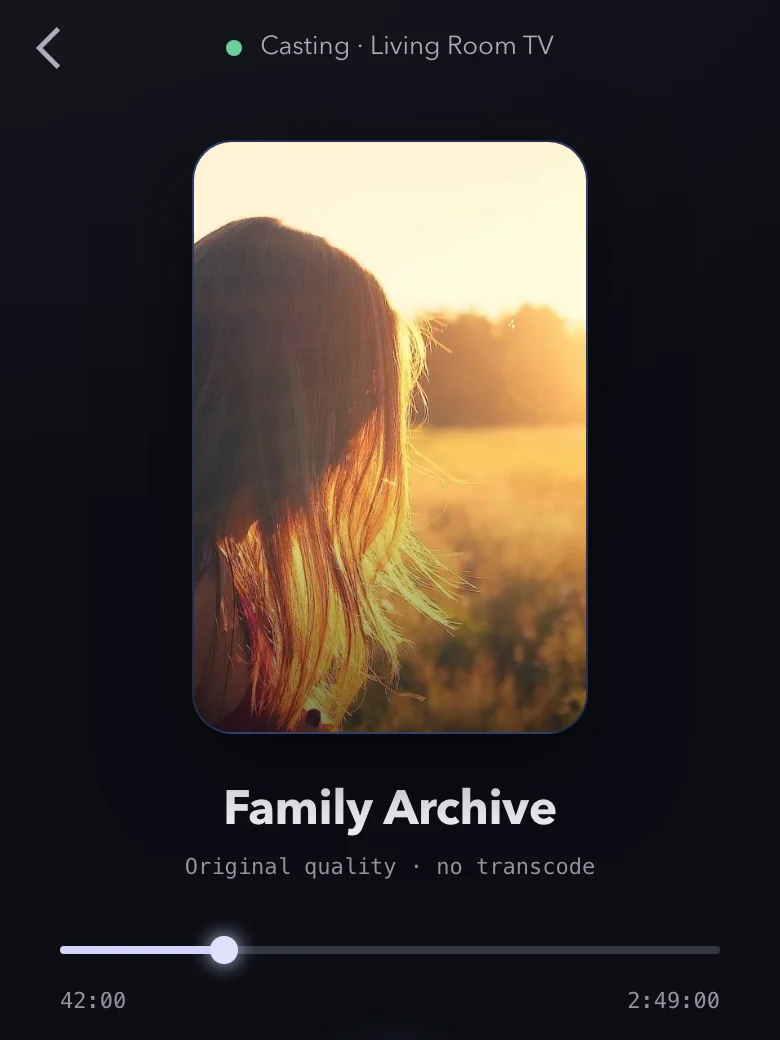
Cast to any screen
Tap to play on your phone, or send it to the TV — DLNA, Chromecast, and AirPlay. The TV streams straight from your computer.
Everything you need. Nothing you don't.
Zero-config library
Drop a folder, get a poster wall with search, tags, and automatic series detection. No "add library" ritual.
Watch on your phone
Scan a QR code — your library opens in the browser. No app to install, no login. Just your files on your Wi‑Fi.
Cast to your TV
One tap to DLNA smart TVs, Chromecast, and Apple TV. The TV pulls the stream directly from your computer.
Most files just play
MP4/H.264 plays directly on your phone and TV. Most other files are converted on the fly, with hardware acceleration.
Never, by architecture
No account, no telemetry, no media cloud. Your library and viewing activity stay on your machine and local network.
Buy once, keep it
A single $15 purchase. No subscription, no upsells, no shrinking free tier. Updates for the current major version are included.
Nothing leaves. That's the whole design.
Three ways to check that before you download anything.
Your files stay in your folders.
Reelloft reads the folder you point it at and streams from there to your phone and TV over your own Wi‑Fi. Nothing is uploaded, and no copy is made anywhere else.
No server to leak from.
There is no back end to break into. No account, no sign-in, no database of yours on any server we run — the $15 license verifies offline, on your own computer. Nobody can read your library, including us.
Your videos stay yours to take.
They are plain files in your own folders, named the way you named them. Uninstalling deletes the index. Nothing is synced, backed up, or mirrored anywhere — including to us.
Where Reelloft fits
Reelloft is for watching a folder without running a media server. Plex and Jellyfin offer more when you want remote access and server administration.
| Reelloft | Plex / Jellyfin | |
|---|---|---|
| Account | Not required | Varies by setup |
| First setup | Choose a folder | Configure a server |
| Phone access | Web browser | Client or browser |
| Library path | Home Wi-Fi only | Local or remote |
| Cost model | $15 one time | Free or subscription |
Get Reelloft
Free to download and keep: scan your folder, browse it, and play on your phone. Every TV cast plays 5 minutes free; the $15 license removes the timer and unlocks on-demand conversion.
Verify your download (SHA256SUMS)
Download SHA256SUMS, run the command for your system in the same folder, and compare the resulting hash with the line for your installer. This catches a damaged download; operating-system security checks are a separate authenticity safeguard.
shasum -a 256 <downloaded-file>Get-FileHash .\<downloaded-file> -Algorithm SHA256macOS Gatekeeper or Windows SmartScreen may inspect Reelloft on first launch. Do not disable those protections; if the warning or publisher details look unexpected, stop and contact hi@reelloft.com.
$15. Once. That's the whole model.
Five years, added up for you: the only number that ever changes is the one on the left. Your movies, on every screen in the house — and nothing in the cloud.
- Folder scanning and the poster wall
- Browsing your library on the phone
- Phone playback · direct play and remux
- Casting and transcoding preview 5 minutes per session
Casting is never refused. It previews. Check it on your own TV first.
Download free- Cast to your TV — smart TVs, Chromecast & Apple TV
- Files your devices cannot play directly, converted on the fly
- macOS · Windows · Linux
- Watch on phone & TV over your Wi‑Fi
- No account · media stays local
- Current major updates included
Pause · stop · seek · volume are never gated, paid or not.
Buy ReelloftWhat pressing that button does
Questions
No. There's no sign-up, no login, nothing. Your license key is verified offline on your own computer.
No. Reelloft reads your folders and serves them over your local Wi‑Fi. Nothing is uploaded and there's no telemetry.
Yes — and that's on purpose. Your phone and TV reach your computer over your local network, so your movies are never relayed through our servers.
MP4/H.264 plays directly. Most other files — MKV, HEVC and so on — are converted on the fly with hardware acceleration. A few unusual files or older TVs won't cooperate, so scan your own library free before you buy.
DLNA smart TVs, Chromecast / Google TV, and Apple TV (AirPlay). The TV streams straight from your computer.
Yes — your computer is the library. It hosts everything; your phone and TV are just screens. (A NAS/always-on mode is on the roadmap.)
Yes. $15 once, with updates for the current major version included. No subscription and no upsells — that's the whole point.
Yes. One key covers every computer you own — activate it on each one. Only the computers count; phones and TVs just connect, no key needed.